Oversampling in Plug-Ins: What It Fixes, What It Costs
What 2x, 4x and 8x oversampling do, when the setting makes no audible difference, and what it costs in latency and phase. With published figures.
Many plug-ins have an oversampling menu: Off, 2x, 4x, 8x. A common habit is to set it as high as the computer allows and move on. That is rarely the best setting, and sometimes the setting changes nothing you can hear.
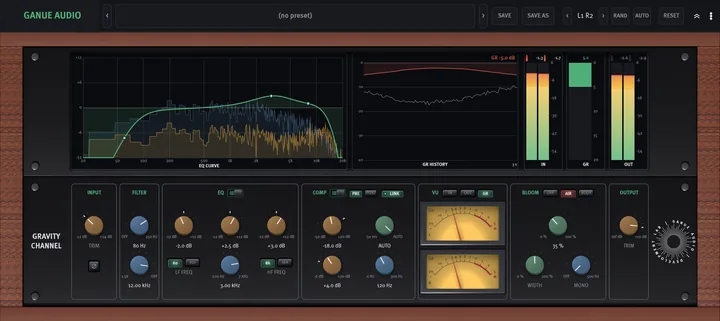
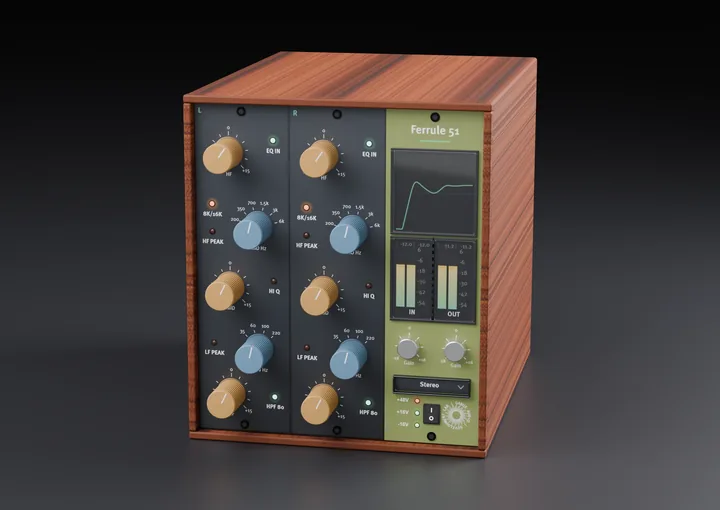
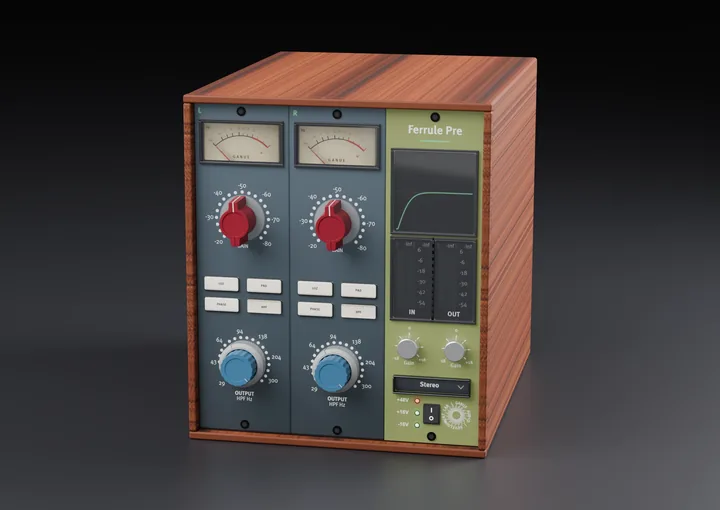
This article explains what oversampling is for, where it matters, and what you pay for it. The figures come from the manuals, product pages and release notes of three of our free plug-ins: Gravity Channel, Ferrule 51 and Ferrule Pre.
The problem: harmonics that have nowhere to go
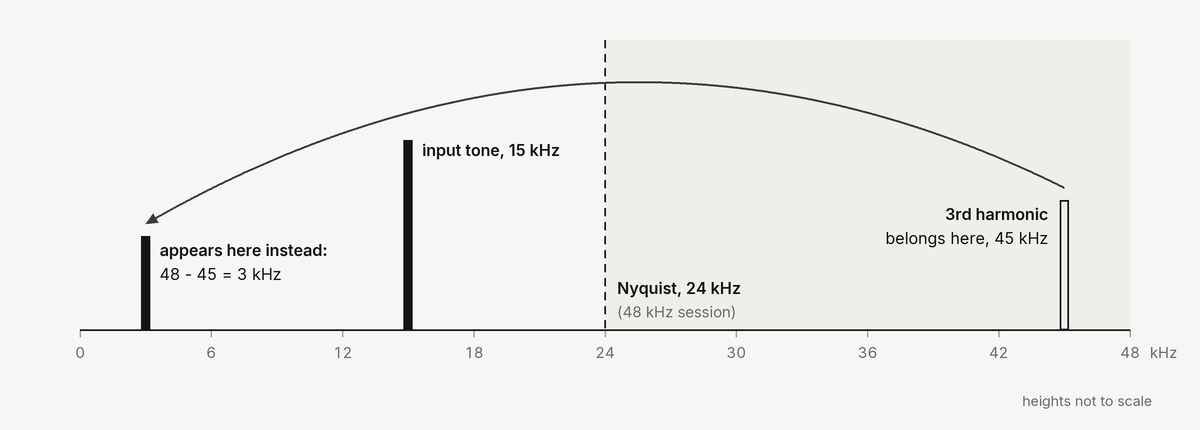
A digital system can only carry frequencies up to half its sample rate. At 48 kHz that limit, the Nyquist frequency, is 24 kHz.
A linear process such as a plain EQ or a fixed gain does not create new frequencies, so it never runs into the limit. A nonlinear process does: saturation, clipping and other level-dependent stages add harmonics at two, three and more times the input frequency.
Take a 15 kHz tone at a 48 kHz sample rate and saturate it. The third harmonic belongs at 45 kHz. That is above 24 kHz, so it cannot exist there. Instead it folds back and appears at 48 minus 45, which is 3 kHz.
That folded tone is called aliasing. It sits below the input tone, where no harmonic of that tone can be, so it does not sound like warmth. In small amounts it is inaudible. In larger amounts it reads as roughness or grain, mostly on bright, loud sources.
What oversampling does
Oversampling runs the nonlinear stage at a higher internal sample rate. At 4x in a 48 kHz session the stage runs at 192 kHz, where the limit is 96 kHz. The 45 kHz harmonic now fits. A filter then removes everything above the session's limit and the signal returns to the session rate.
Two things follow from that.
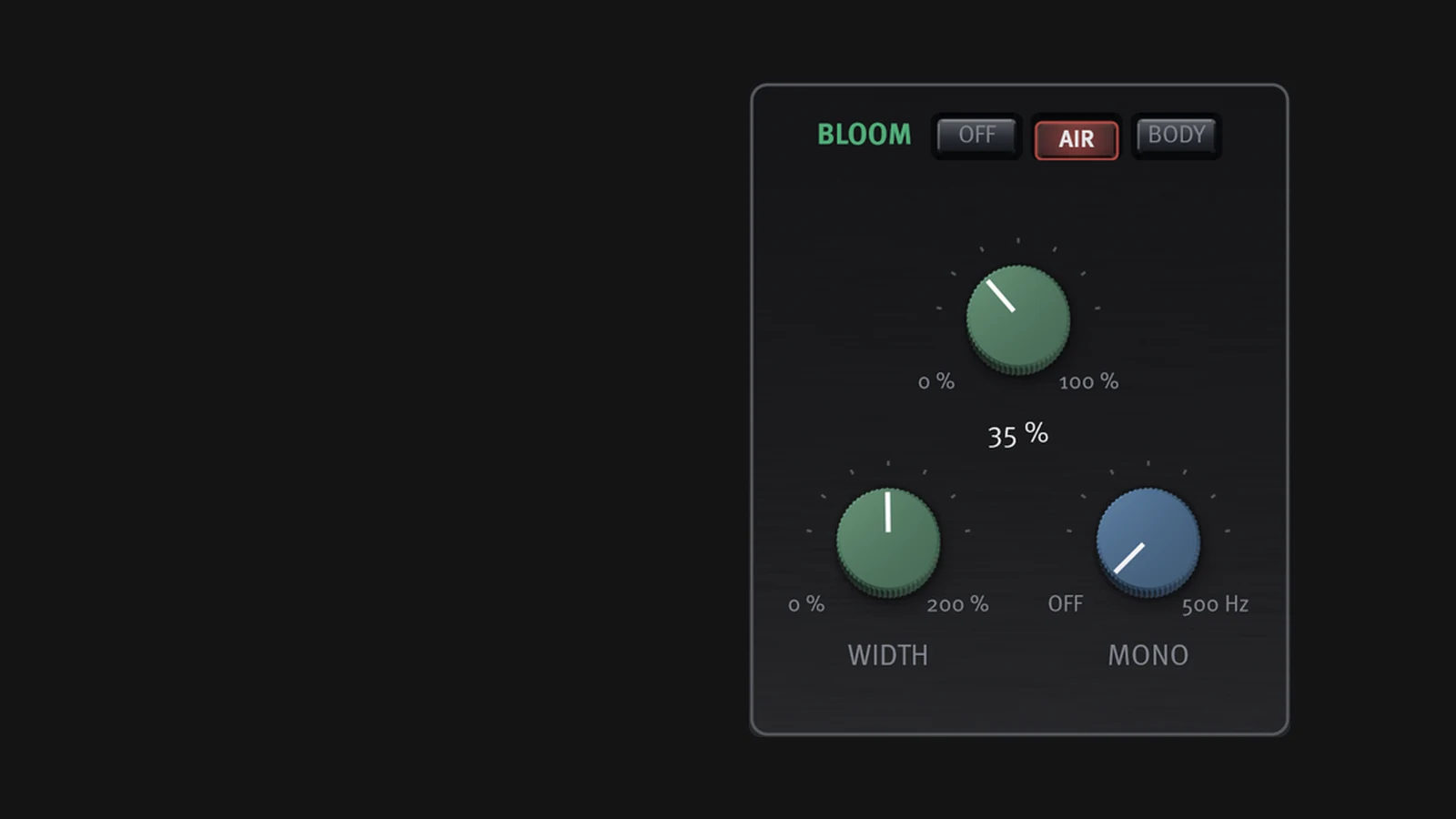
Only nonlinear stages need it. In Gravity Channel, oversampling runs the BLOOM harmonic stage. In Ferrule 51 it wraps the level-dependent stage and nothing else: the EQ filters run at the session rate either way, so the setting cannot change the EQ curve. The linear equalizers in the Ferrule family (Ferrule 66, 73, 81 and 84) open with oversampling Off, at 0 samples of latency.
How much it helps depends on level. Harmonics get stronger as the stage is driven harder. At low drive there is almost nothing to fold back.
How much it helps, in numbers
The Ferrule 51 manual gives the worst in-band aliasing product for its level-dependent stage at 44.1 and 48 kHz:
| Stage input level | 2x | 4x | 8x |
|---|---|---|---|
| 0 dBFS | about -85 dBc | about -100 dBc | about -117 dBc |
| 9 dB hotter (a full HF boost can do this) | about -74 dBc | about -92 dBc | about -107 dBc |
| around -18 dBFS | below -145 dBc | below -145 dBc | below -145 dBc |
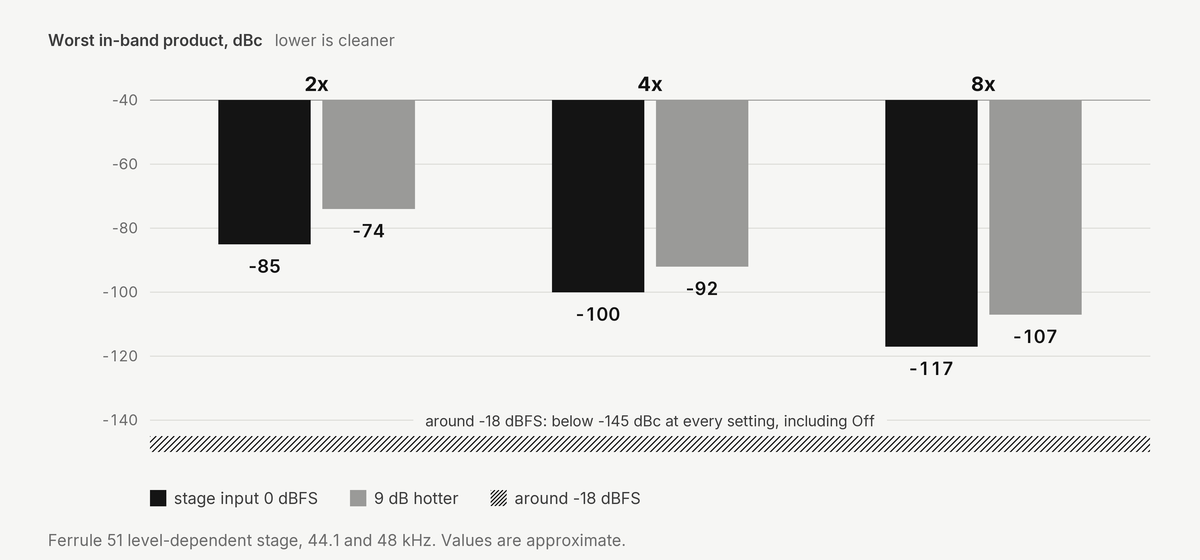
The last row also holds with oversampling Off. At normal working levels the choice makes no difference at all on that plug-in. The setting starts to matter when you boost the high band hard into a hot signal, and the manual's advice for that case is to use 4x.
A stage that is driven much harder needs more. Ferrule Pre is a preamplifier whose saturating stage can be driven 40 to 60 dB into its ceiling at the top of its GAIN range. Its page gives -60 dBc as the target at the default 4x and lists the exceptions it knows of, among them a 4x case at -56.2 dBc with the stage driven 60 dB or more past its ceiling. At 2x the worst folded component is about -47 dBc at 44.1 kHz, and with oversampling Off the stage is not anti-aliased at all. For that plug-in, 4x or 8x is the recommendation.
The factor is not the whole story
Oversampling is one of several ways to reduce aliasing, and the multiplier alone does not tell you how clean a plug-in is.
Gravity Channel is an example. Its 1.1.0 release notes report that, at the same 4x setting, the worst case with BLOOM engaged went from -49 dBc to -122 dBc, and at 8x from -101 dBc to -133 dBc. The multiplier did not change. What changed is the design around it: an anti-aliased saturator and a steep low-pass filter in the oversampled path that stops harmonics from folding back, at 2x, 4x and 8x. Two plug-ins that both say "4x" can differ by tens of dB.
What it costs
CPU. The nonlinear stage processes two, four or eight times as many samples, plus the filters on the way up and down.
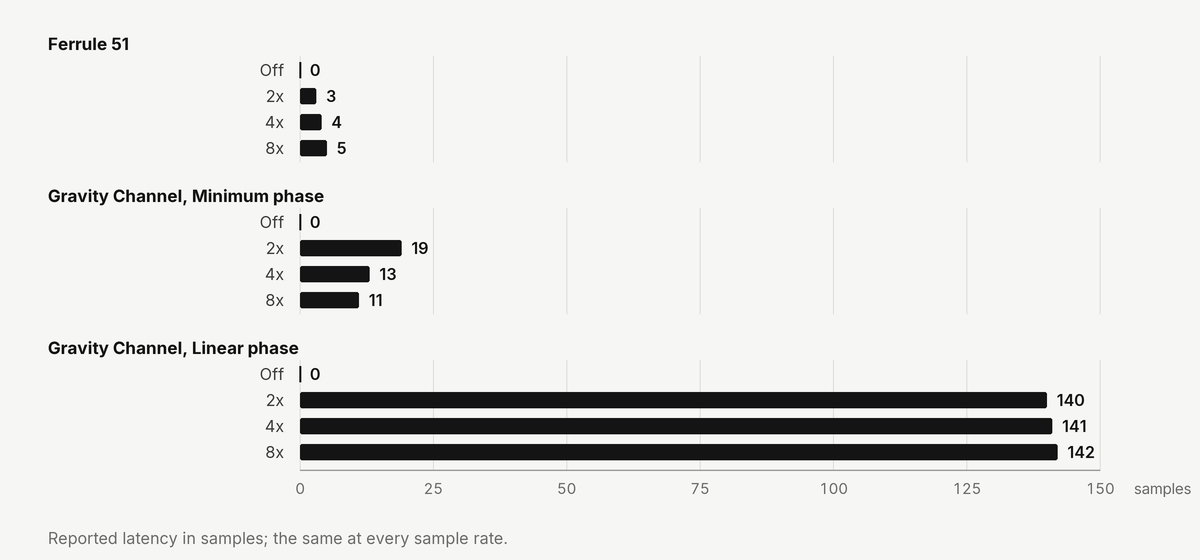
Latency. The filters delay the signal. Most hosts compensate for this automatically, but it matters when you track through the plug-in. The figures differ per plug-in:
| Plug-in | Off | 2x | 4x | 8x |
|---|---|---|---|---|
| Ferrule 51 | 0 | 3 | 4 | 5 |
| Gravity Channel, Minimum phase | 0 | 19 | 13 | 11 |
| Gravity Channel, Linear phase | 0 | 140 | 141 | 142 |
All values are samples and are the same at every sample rate. On Gravity Channel the compressor's Look-Ahead, when on, adds its own delay on top.
Phase near the top of the band. Low-latency oversampling uses minimum-phase filters, and their delay is not the same at every frequency. On Ferrule 51 at 44.1 kHz and 4x, the delay at 20 kHz is about 11 samples longer than at 1 kHz, and the response reads about -0.32 dB at 0.99 times Nyquist. For a normal insert this is not something you hear. It matters when the processed signal is mixed with an unprocessed copy of itself.
Minimum or linear phase
Some plug-ins let you choose the filter type.
- Minimum phase: the lowest latency, with the phase bend described above. This is the right default for inserts.
- Linear phase: the same delay at every frequency. In Gravity Channel the clean part of the signal then becomes a pure delay, so the plug-in lines up exactly with a dry copy in parallel processing. The cost is latency (140 to 142 samples instead of 11 to 19: about 3.2 ms at 44.1 kHz instead of about 0.25 to 0.43 ms) and more CPU while BLOOM is engaged. On Ferrule Pre, Linear phase counts about 1.55 times the processing load.
A practical way to set it
- Leave the default alone at first. Defaults differ per plug-in: 2x on Gravity Channel, 4x on Ferrule 51 and Ferrule Pre.
- Raise it when you drive a nonlinear stage hard on a bright source.
- Use the offline setting. Gravity Channel, Ferrule 51 and Ferrule Pre keep separate realtime and offline oversampling settings. You can mix at a lighter setting and render at a higher one. If you do, listen to the render once, because it is not the exact path you mixed through.
- Set it before you press play. Changing the mode changes the latency. The Ferrule plug-ins fade the output out and in with a short silence when the mode changes during playback.
- Use Off if your host does not compensate plug-in latency. With oversampling Off, Ferrule 51 and Ferrule Pre report 0 samples.
Limits of this article
- Every figure above comes from our own manuals and release notes for our own plug-ins, at the sample rates stated. They do not transfer to other products.
- The reported latency is a whole-sample figure. On Ferrule 51 with oversampling on, the measured delay peak runs up to about 0.8 samples longer than reported. That is fine for mixing and matters only for null tests.
- Whether a given aliasing level is audible depends on the material. A figure in dBc is a measurement, not a listening verdict.
Read next: Switched EQ Explained: Mixing With Fixed Frequencies